Graphics creation
SPX does not provide a dedicated graphics creation tool, why?.
How can we create graphics for SPX?
"Bring your own tools"
Legacy graphics systems bring their own graphics creation tools, which makes sense in a closed ecosystem.
Since SPX is based on open HTML standards, no single graphics creation tool is enforced. SPX allows you to choose the tools you are most comfortable with, giving you flexibility and efficiency in your graphics creation workflow:
- Web development tools and workflows
- Use compatible HTML creation tools
- Export from After Effects, Figma, Rive
- Use AI-assisted design tools
- Use SPX Creative Services or hire external graphic developers
We know transitioning to a new graphics workflow is challenging. HTML is a very open format which allows the use of various libraries, tools and techniques for creating high-quality animated, data-driven graphics.
On this page you will find tools and resources to help you create graphics for SPX. If there is something missing, please let us know.

Tools for graphics creation
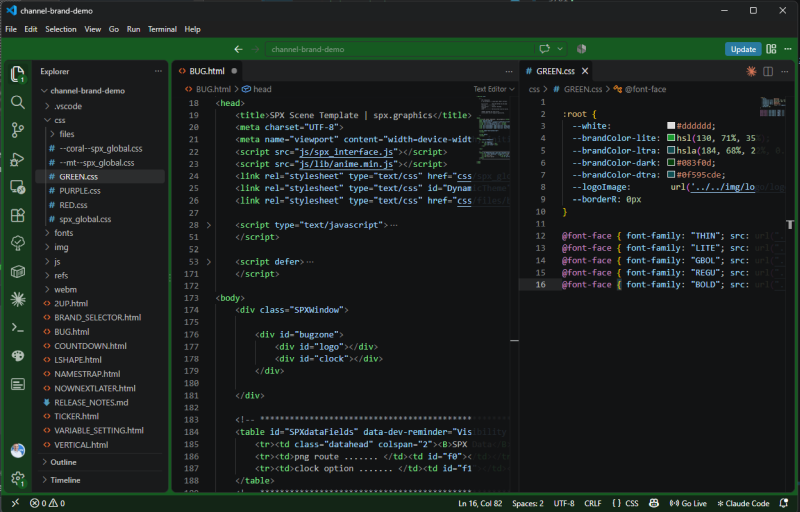
HTML / JS / CSS 🏆
The primary way of creating HTML graphics without limits; HTML, CSS and Javascript code.
This is the best option for complex, data-driven custom graphics packages - but requires developer skills. See our tutorial to get started.
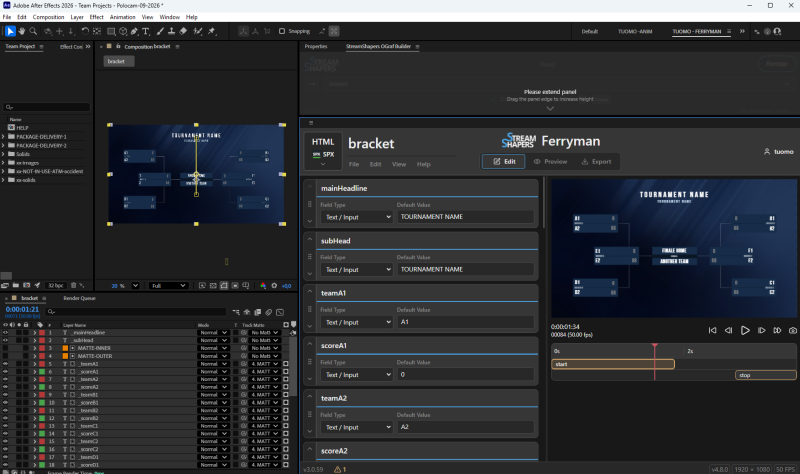
Ferryman & After Effects
Render AE compositions to vector based HTML and OGraf templates, define the editable fields in Ferryman and download a production ready template. No code required.
A custom SPX Ferryman version available for SPX customers.
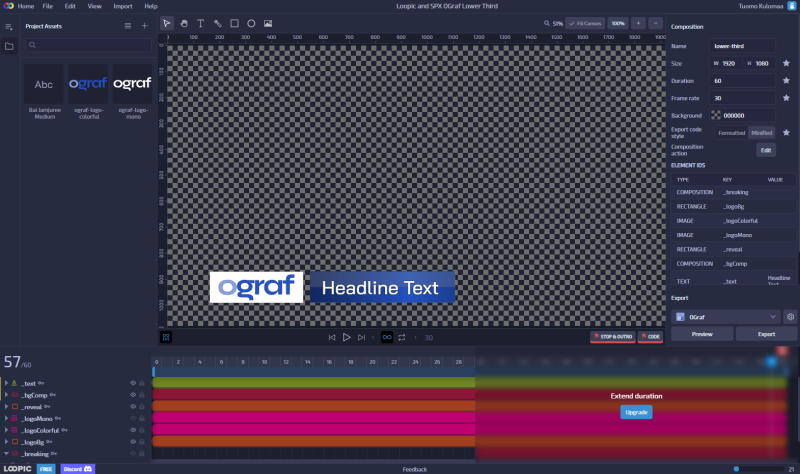
Loopic
The original browser-based animation editor made for HTML and OGraf graphics. Familiar After Effects-like timeline and one-click export of templates for SPX.
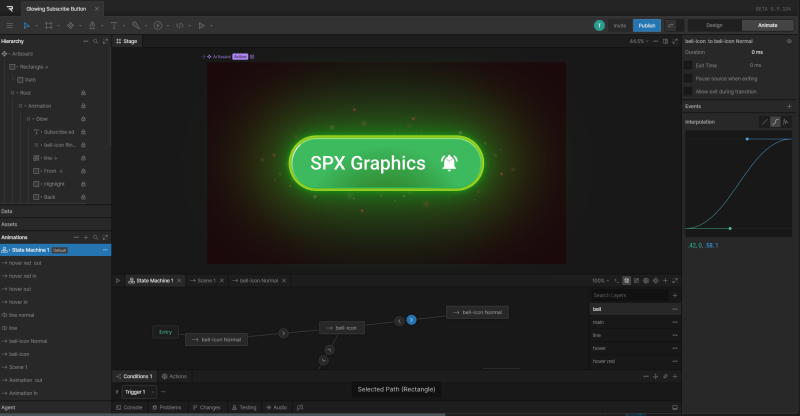
Rive
Interactive vector animation tool with a state machine for complex transitions. Animations play back with the Rive web runtime; connecting them to SPX template fields requires some code.
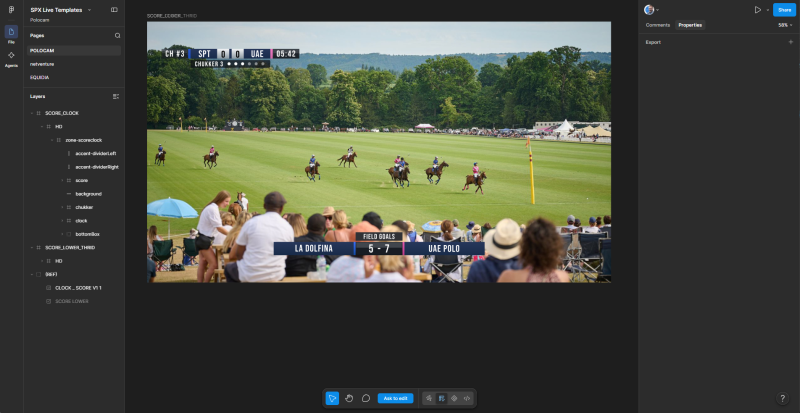
Figma
Popular collaborative design tool. Design layouts and styles for your graphics package, export assets as SVG or PNG, and hand off exact measurements to the template developer or generate SPX templates with MCP and AI assistance.
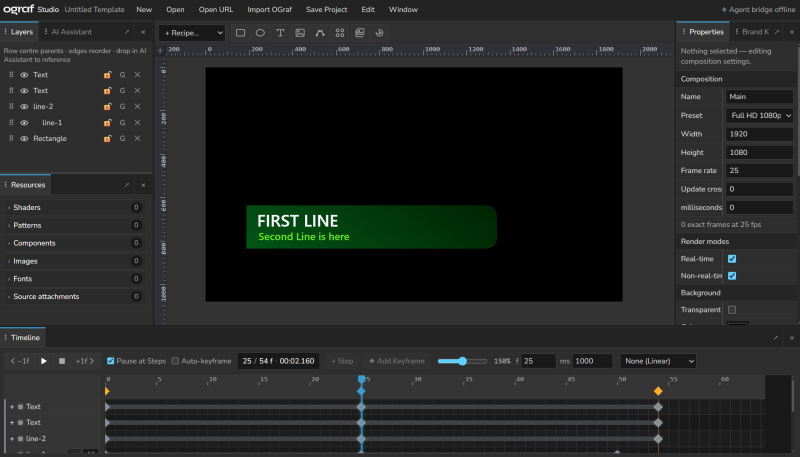
OGraf Studio
Popular collaborative design tool. Design layouts and styles for your graphics package, export assets as SVG or PNG, and hand off exact measurements to the template developer or generate SPX templates with MCP and AI assistance.
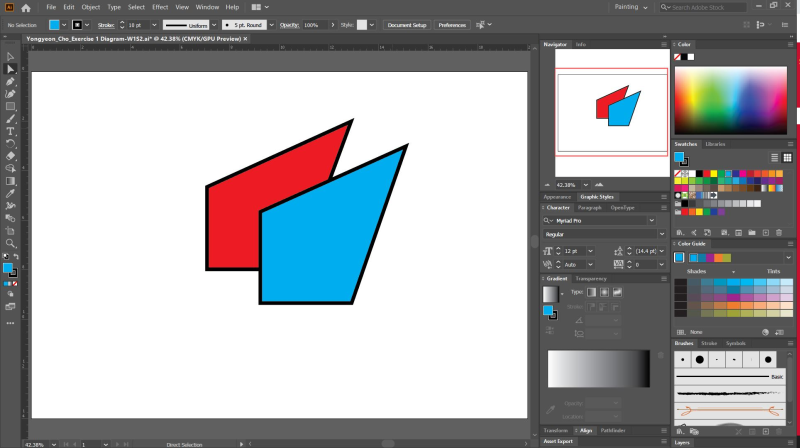
SVG files
Scalable vector artwork from Illustrator, Figma, Inkscape and others. SVG shapes can be incorporated into animated HTML templates.
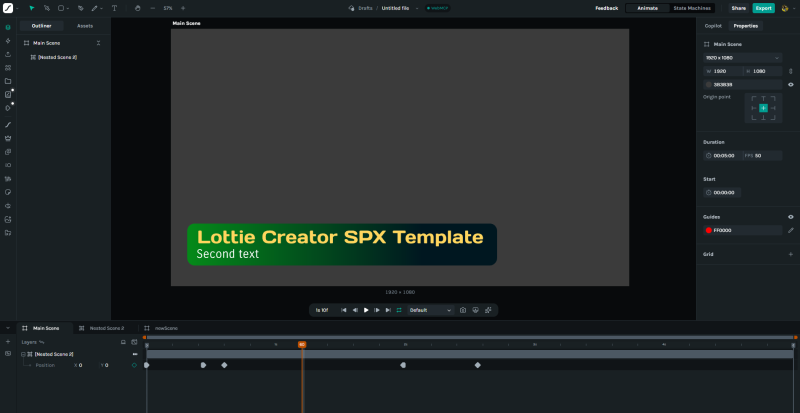
Lottie Creator
Lottie animations can be added to HTML and OGraf templates. One tool to create and edit them is Lottie Creator. Template conversion can be done with MCP and AI assistance.
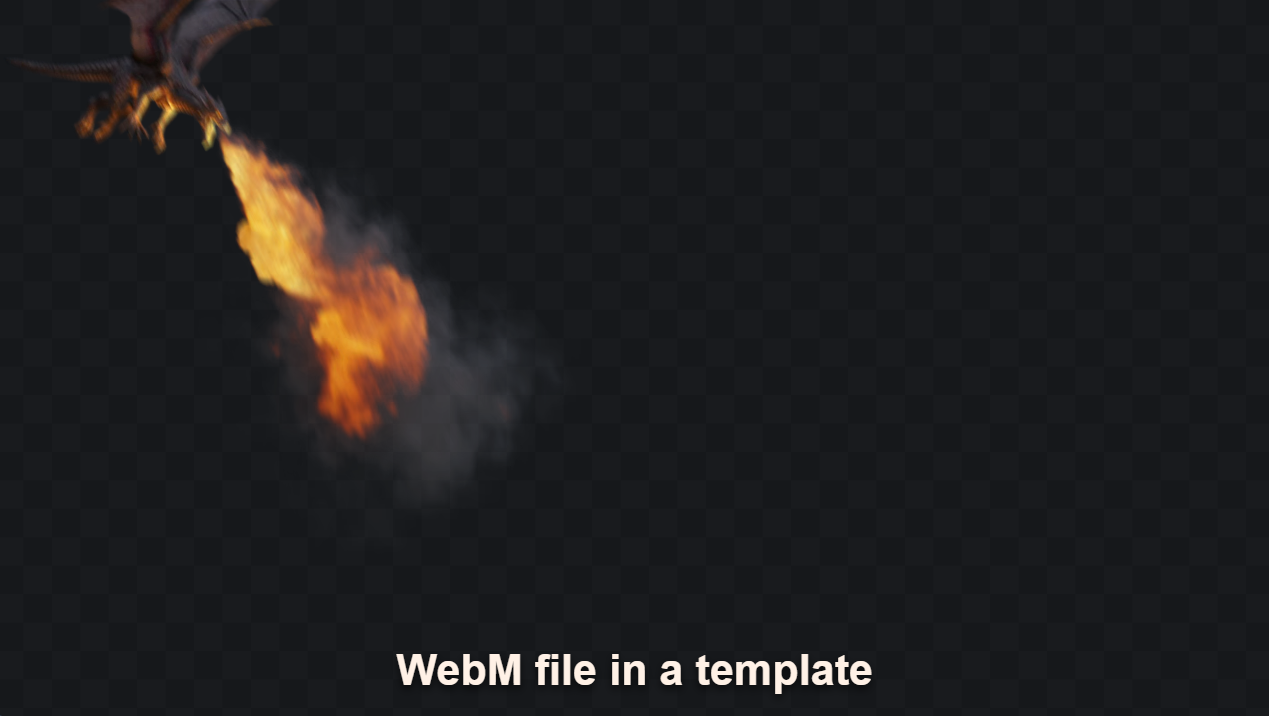
WebM clips
WebM video clips can be embedded into HTML and OGraf templates. They provide high-quality video with efficient compression, suitable for animations and interactive content.
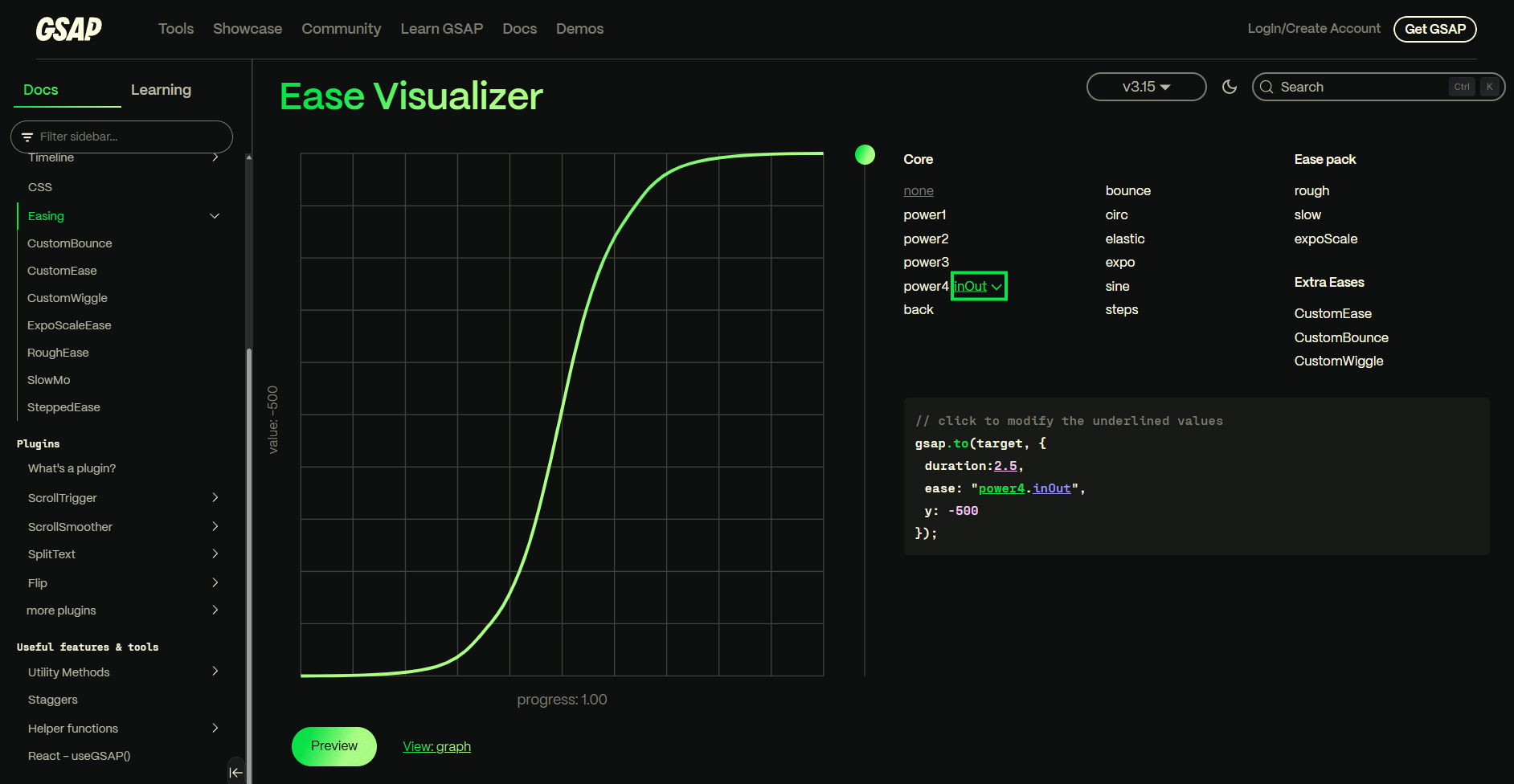
GSAP
GSAP (GreenSock Animation Platform) is a powerful JavaScript library for creating high-performance animations in HTML templates. It allows for complex animations with smooth transitions and precise control.

Add new...
If you know a useful tool or a tutorial for creating graphics for SPX, please let us know and we will add it here.