
Blog & Articles
Using SPX-GC with Stream Deck
Introduction to the control API
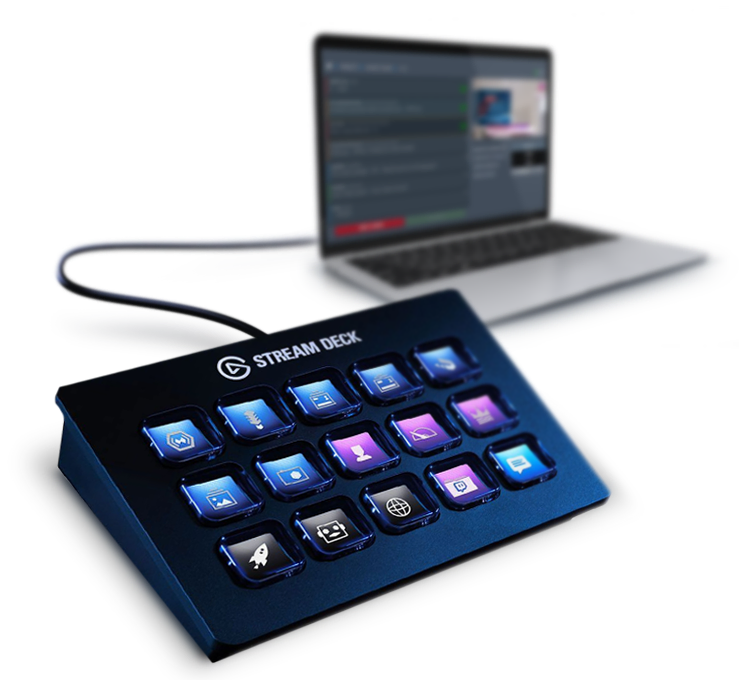
How to use SPX-GC with Stream Deck
SPX-GC has an API for an external control application or device, such as the Elgato Stream Deck. API allows for instance:
You can get the available commands and their examples from /api/v1 address of your running SPX-GC instance, typically: http://localhost:5656/api/v1
The API was introduced in version 1.0.8 and future releases will add new possibilities to the API, such as "direct" commands to call-up graphics (without having them on the active rundown), executing functions in templates, etc.
Please keep in mind SPX-GC is primarily designed for manual playout in live productions and API is meant to help in that and not to enable more complex processes, such as rundown / item generation, content management, etc.
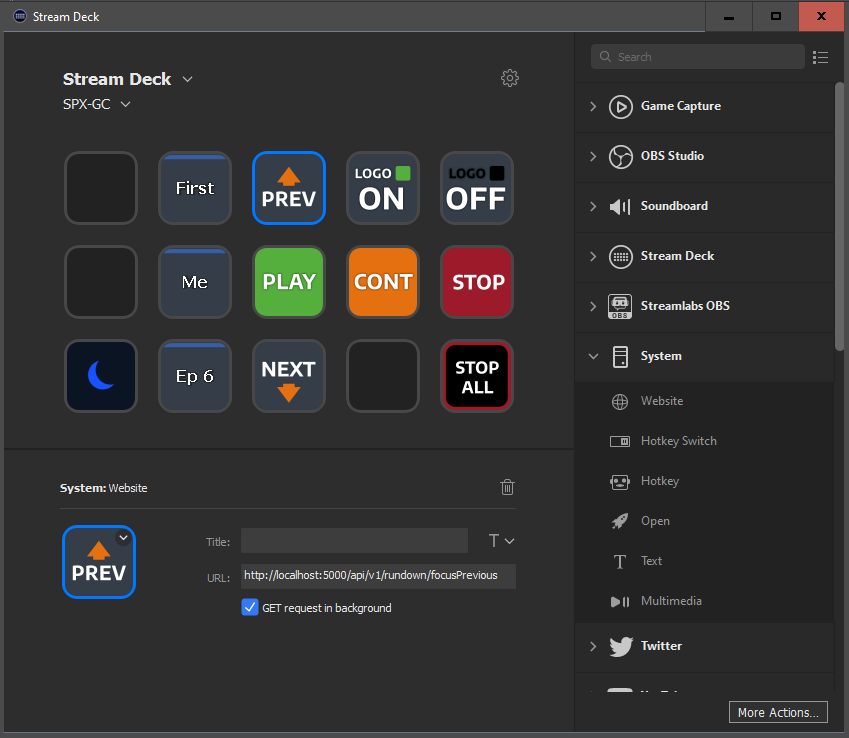
Stream Deck configuration UI
You can get SPX-GC styled icons shown above from this file: StreamdeckIcons.zip